AI Mannequin Photography for Your Products
Turn one product photo into a clean set of retail mannequin shots — front, ¾, side, and detail on white. No model, no studio, no mannequin to buy.
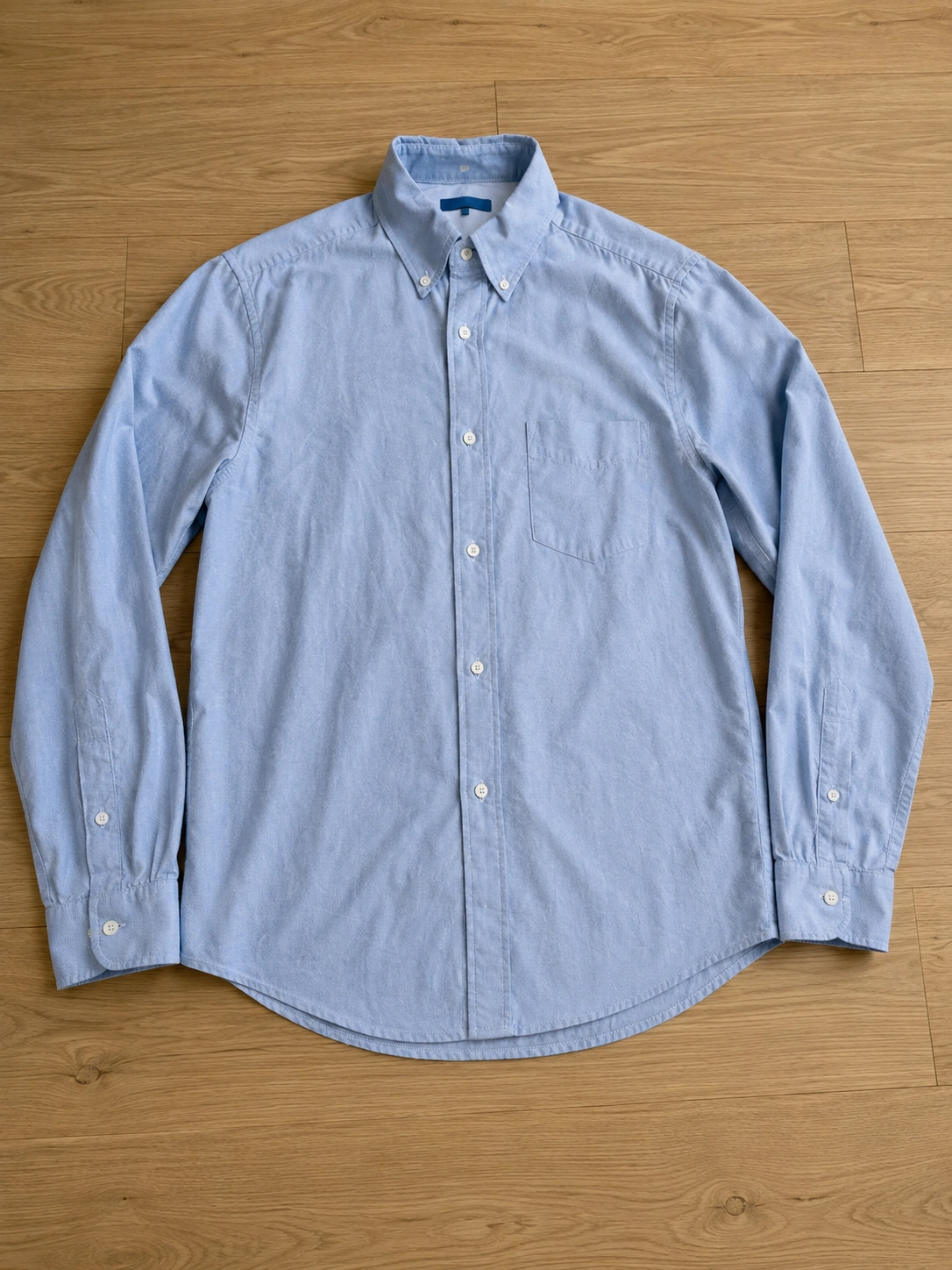
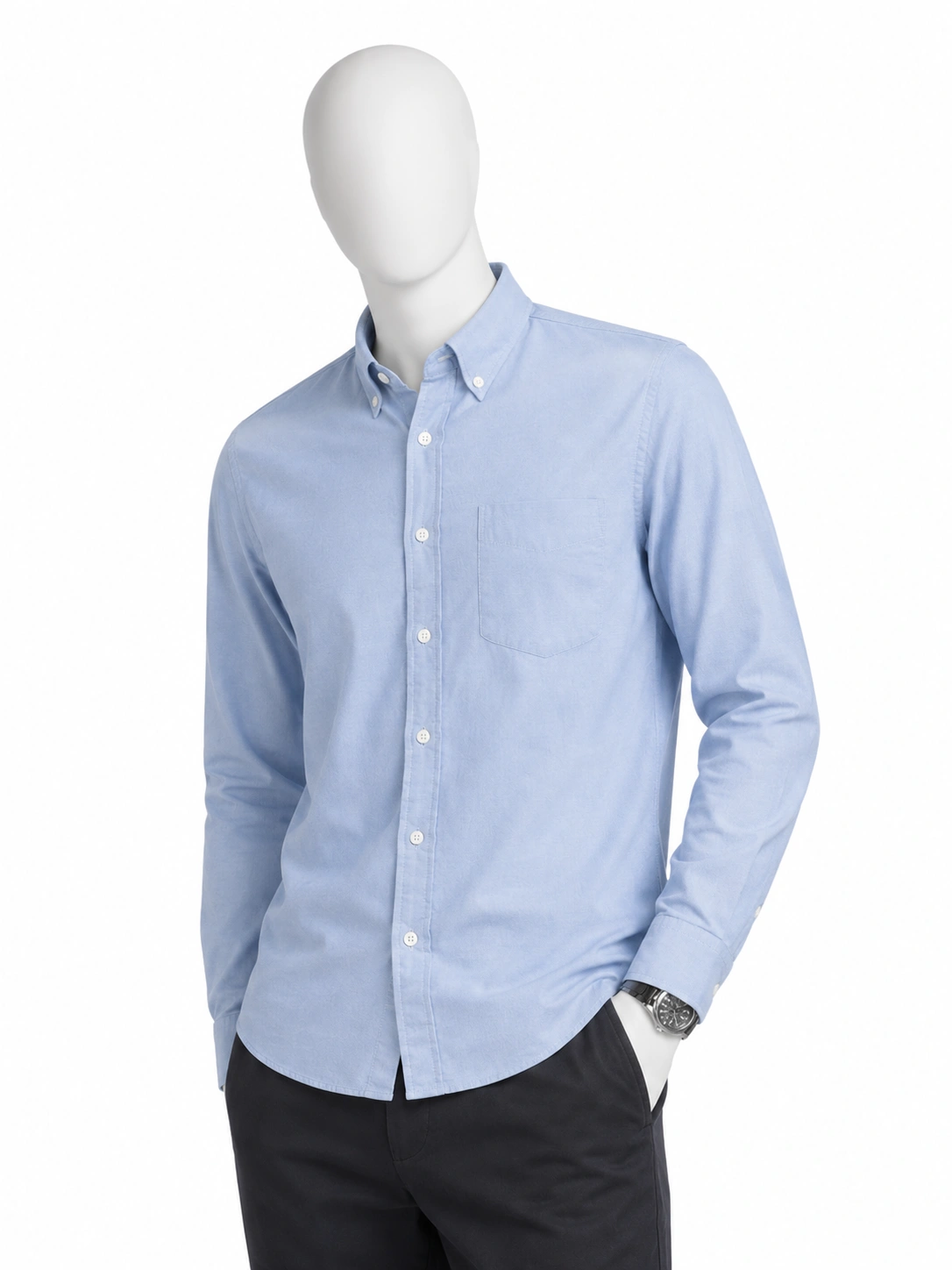
Real Rokon outputs — your garment is reproduced exactly as uploaded.
Why mannequin photography still hurts
Buying and storing forms
A decent display form costs hundreds, needs steaming, pinning, and a place to live — per garment type.
Reshoots for every angle
Front, side, and detail shots mean re-dressing, re-lighting, and re-editing every single product.
Models aren't always the answer
Some catalogs, categories, and audiences call for a clean, model-free presentation — without looking flat.
What you get with Mannequin mode
4 angles from one upload
Front, three-quarter, side, and a fabric detail crop — a complete product-page set in one tap.
One consistent display form
The same clean matte form, matched to your garment type — tops, bottoms, or full-body pieces.
Your exact garment, preserved
Fabric, stitching, prints, and logos are reproduced from your photo — the detail shot is the ground truth.
Catalog-ready white background
Pure white, soft studio light, subtle grounding shadow — drop the images straight into your store.
Three steps to a full mannequin set
- 01
Upload your product photo
A flat-lay or any clear front view works. Add back and detail shots for even higher fidelity.
- 02
Pick Mannequin in the studio
Choose the Mannequin mode — no model, poses, or styling decisions needed.
- 03
Download 4 angles
Your product on a consistent retail form, on white, in about a minute.
Mannequin mode — common questions
How is this different from ghost-mannequin (invisible) shots?+
Ghost-mannequin shows the garment floating in its worn shape with no support visible. Mannequin mode shows it dressed on a clean, visible retail display form — the way garments are presented in stores. Rokon offers both; pick per product.
Do I need to own a mannequin or send my products anywhere?+
No. You upload a photo of the garment — a flat-lay is enough — and Rokon generates the mannequin presentation. There is no physical shoot at any point.
Will the mannequin look the same across all four angles?+
Yes — every set uses the same matte display form, matched to your garment type (torso for tops, leg form for bottoms, full-body for dresses and abayas), on the same white studio background.
Your catalog, on mannequins — today
Start free with one product photo and get your first 4-angle set in about a minute.
No credit card required. Start free.