Ghost Mannequin Photography, Without the Mannequin
Turn one product photo into clean invisible-mannequin shots — your garment holding its worn 3-D shape on pure white. No model, no display form, no neck-joining edits.
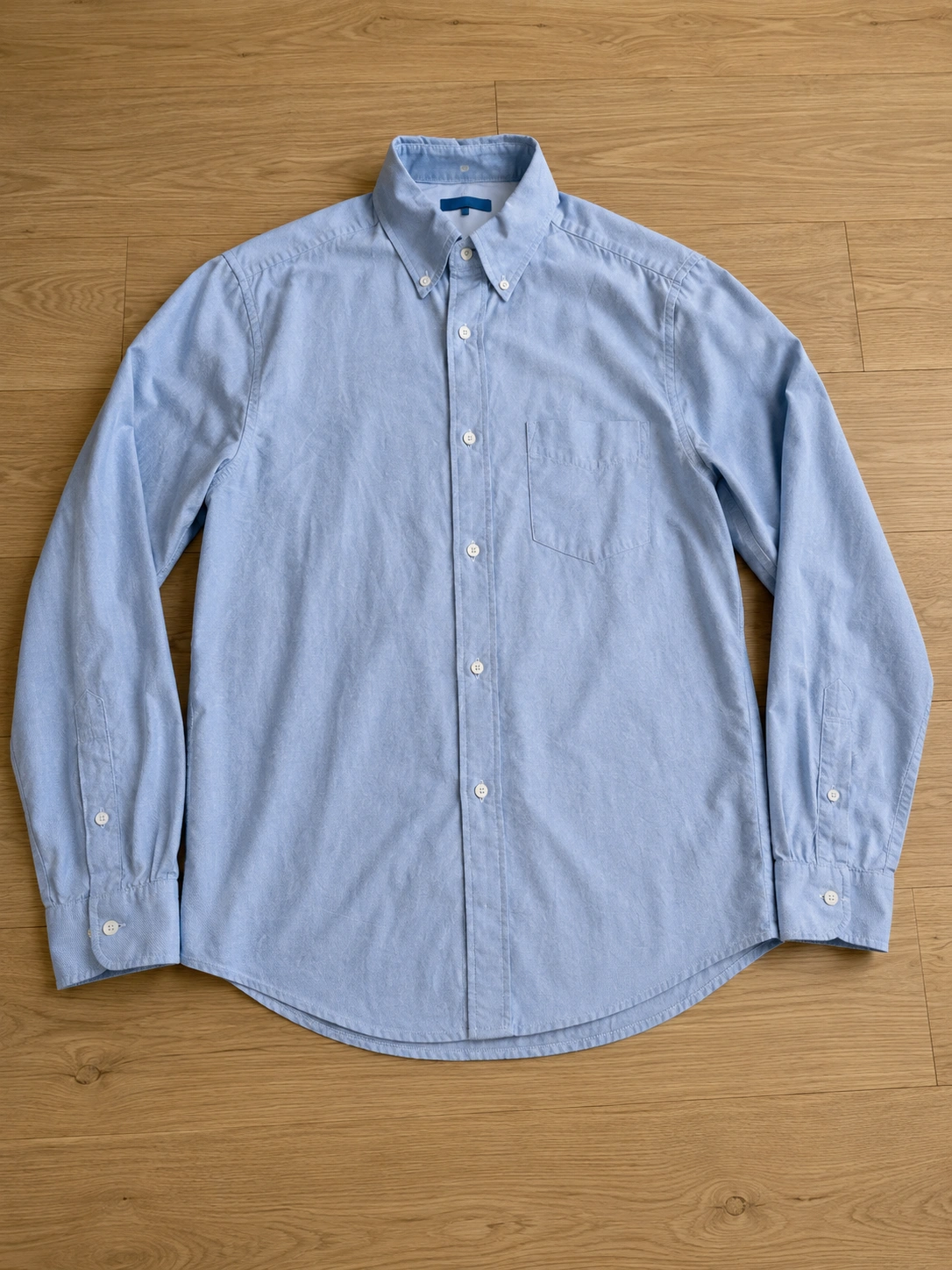
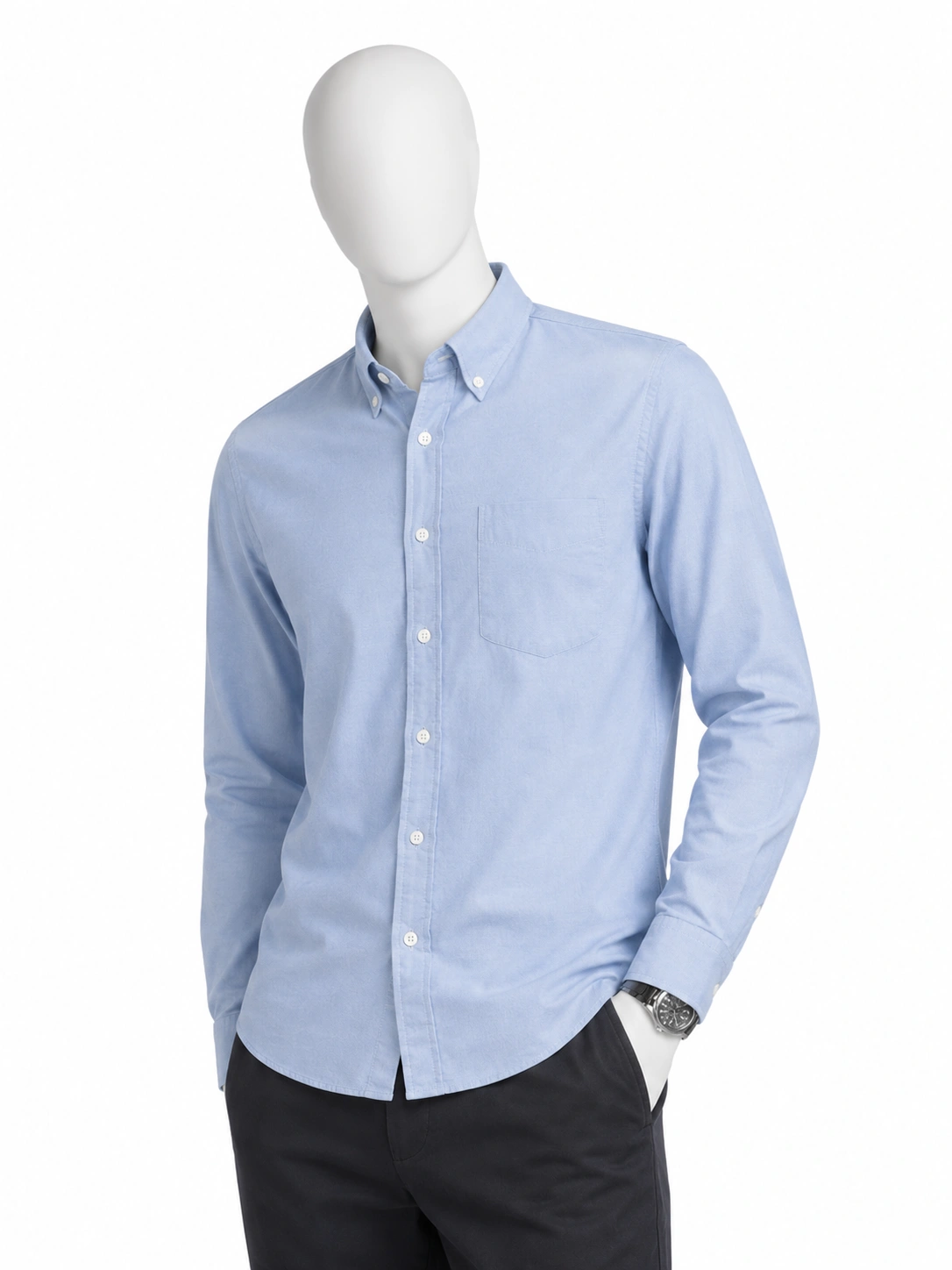
Real Rokon outputs — your garment is reproduced exactly as uploaded.
Why ghost-mannequin shoots are expensive
The two-shot editing ritual
Traditional ghost shots need a mannequin photo plus an inside-out neck shot, joined by hand in Photoshop — per product, per angle.
Studio time adds up
Steaming, pinning, lighting, and shooting each garment on a form takes 15–30 minutes before editing even starts.
Inconsistent catalogs
Different sessions mean different lighting and shapes — your category pages end up looking stitched together.
What you get with No-Model mode
True hollow-form look
The garment keeps its worn 3-D volume with an invisible form — the standard ghost-mannequin presentation big retailers use.
One tap, no editing
No two-shot compositing, no neck joins, no clipping paths. Upload the product photo and generate.
Your exact garment, preserved
Fabric, stitching, prints, and logos are reproduced from your photo — nothing is redrawn or approximated.
Catalog-ready white background
Pure white, soft studio light, subtle grounding shadow — marketplace-compliant and consistent across your whole catalog.
Three steps to ghost-mannequin shots
- 01
Upload your product photo
A flat-lay or any clear front view works. Add back and detail shots for even higher fidelity.
- 02
Pick No-Model in the studio
Choose the No-Model mode — no poses, models, or styling decisions needed.
- 03
Download and publish
Clean invisible-mannequin shots on white, ready for your store in about a minute.
Ghost mannequin — common questions
What is ghost mannequin photography?+
Ghost mannequin (also called invisible or hollow-man) photography shows a garment holding its worn shape with no visible model or mannequin — the standard presentation for apparel product pages. Traditionally it requires a mannequin shoot plus manual compositing; Rokon generates it from a single product photo.
How is this different from Mannequin mode?+
No-Model mode makes the support invisible — the garment appears hollow. Mannequin mode shows the garment dressed on a clean, visible retail display form. Rokon offers both; pick per product.
Do I need special photos to start?+
No. A flat-lay or any clear front-facing photo of the garment is enough — no mannequin, no studio, no special equipment at any point.
Ghost-mannequin shots from one photo
Start free with one product photo and see your garment in its worn shape on white — in about a minute.
No credit card required. Start free.